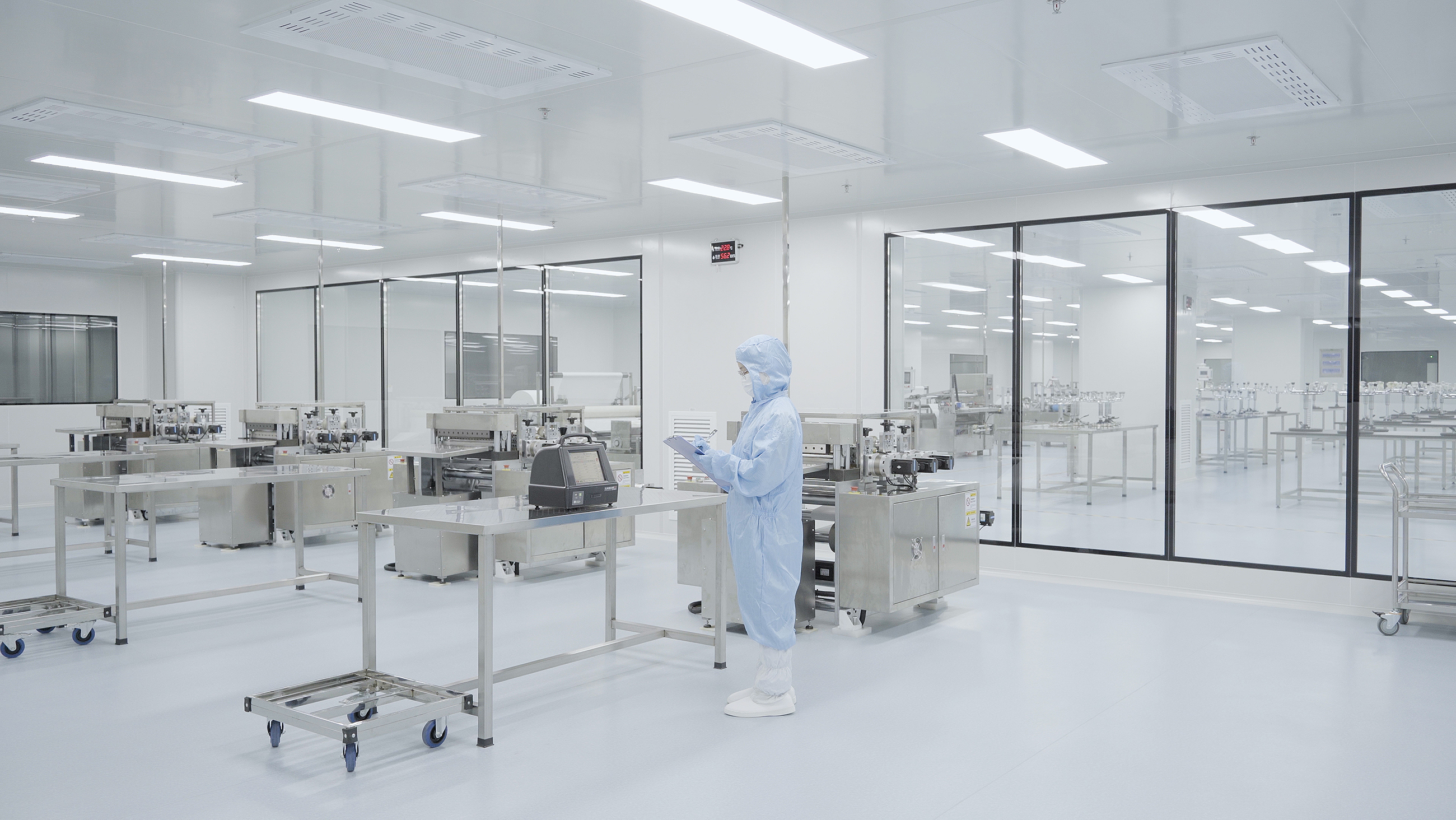
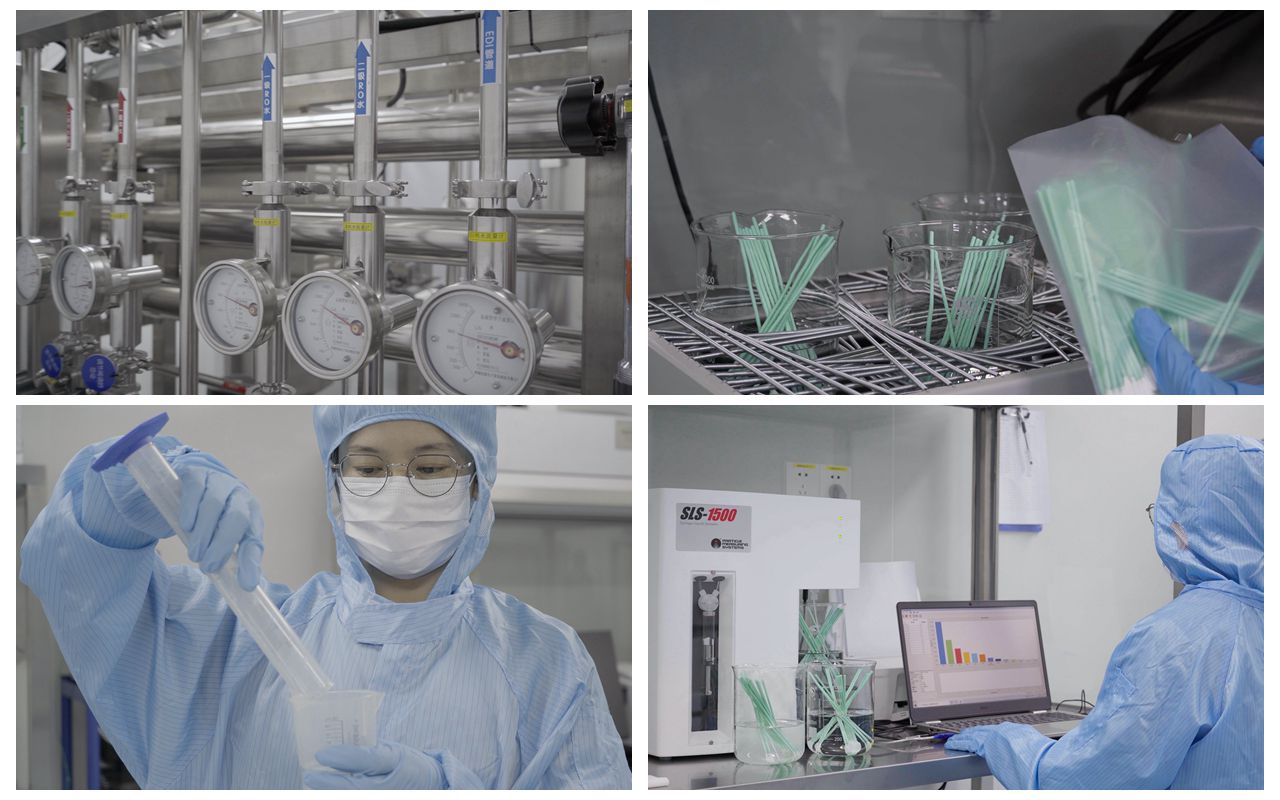
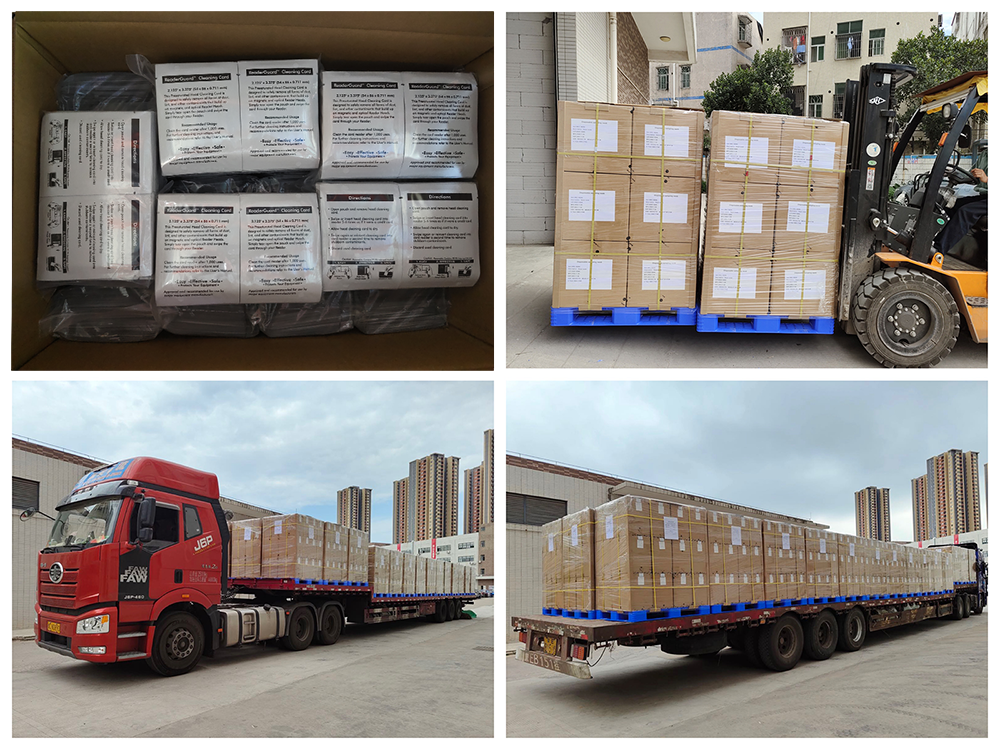
Cleaning items: cleaning pen, cleaning card, cleaning wipes.
1. Open the upper cover of the printer.
2. Use the print head cleaning pen to gently wipe the glass body of the print head several times to remove the dust accumulated on the print head.
3. Close the upper cover of the printer after cleaning. If the line still exists, please check the user manual to further clean the print head.
In order to obtain the best printing effect, it is recommended that you follow the following procedures for regular maintenance.
A Required materials
1. Isopropyl alcohol
2. Acetone
3. Standard transparent tape or masking tape
4. Lint free soft cloth
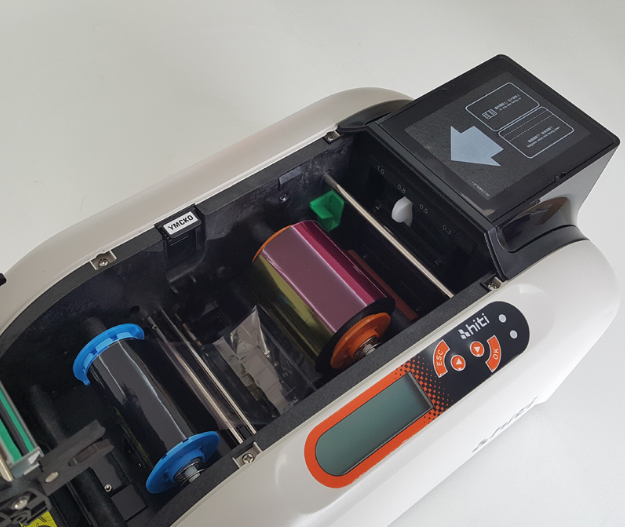
B. Standard print head cleaning procedure:
When blank lines appear on the printed card, the print head should be cleaned according to this procedure. The print head should also be cleaned according to the procedure when replacing a roll of ribbon or when printing 250 cards.
C. Deep Print Head Cleaning Program
When the blank lines of the card cannot be eliminated after the print head is cleaned using the standard cleaning procedure in B, this procedure should be used for deep cleaning of the print head. If you want to maintain high-quality printing. This deep cleaning of the print head should also be performed every 250 cards printed.
D. Cleaning the printer chassis
Wipe the chassis housing with a soft cloth lightly moistened with water. Do not use too much water or any other type of solvent. Do not directly spray water on the chassis. Instead, spray water on a soft cloth and then use it to wipe the chassis.
E. Clean the interior of the printer
During the use of the printer, dust or other particulate impurities may accumulate inside the printer. When printing cards, due to electrostatic effect, these fine dust will be absorbed on the lower surface of the ribbon. This causes a blank print in the image.
F. Clear card jam
If a card is stuck in the machine, the LCD display of the printer will indicate that there is a jam. When such a problem occurs, you can clear the jam and continue to print with the card that has been blocked
G. Clear the ribbon blockage
When the ribbon sticks to the card or gets stuck, the LCD of the printer will tell you that the blockage has occurred
H. Clean the card feed rollers
To ensure the stable operation of the printer, clean all the card feeding wheels (three in total) in the printer every time a roll of ribbon is replaced (250 cards are printed). When cleaning the card feeding wheels, use the cleaning card in the cleaning kit. There is a layer of sticky paper on the surface of the cleaning card. Follow the steps below to clean the card feeding wheels
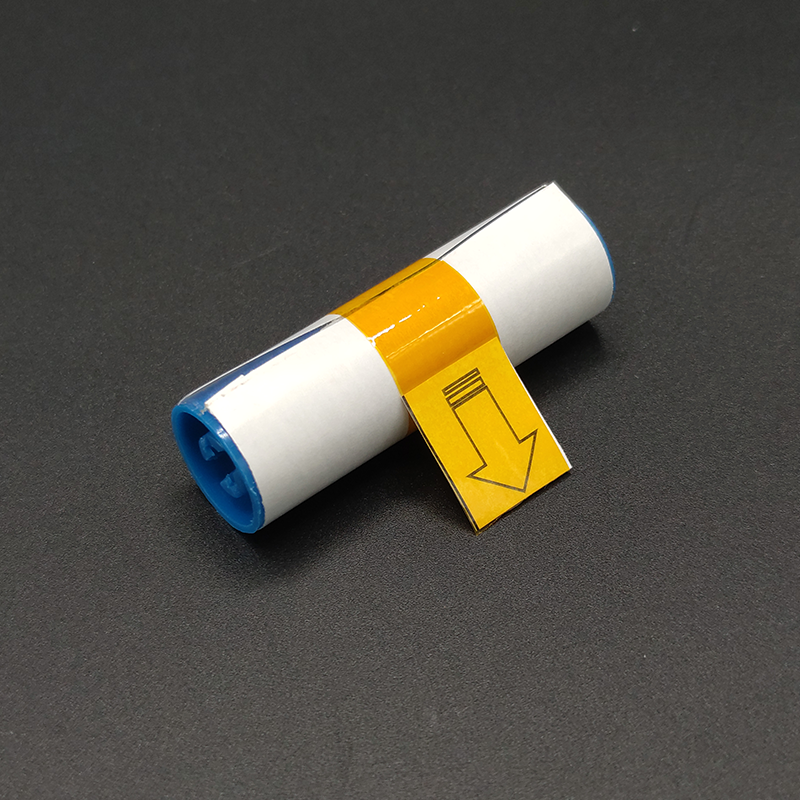
L Clean the drive wheels:
Clean the drive wheel every time a roll of ribbon is replaced or 250 cards are printedJ Maintenance cleaning wheel
The function of the cleaning wheel is to remove the dust on the surface of blank cards as they travel from the printer Frequent cleaning of the cleaning wheel can effectively prevent contaminated cards from passing through the print head, thus prolonging the life of the print head and improving the print quality. The cleaning wheel should be cleaned every time a ribbon is replaced or 250 cards are printed.
Miraclean provide reliable products and custom design services to customers from all over the world, any requires about cleanroom swab price,polyurethane swab price shenzhen,printhead swab price china,polyester wipes best price,non-woven wipes price,cleanroom wipes cost-effective please contact us.